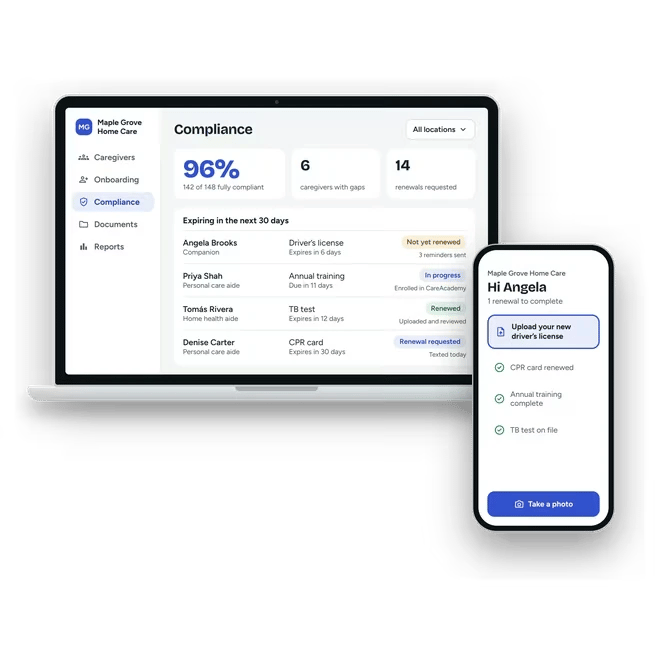
Caregiver background checks for home care agencies
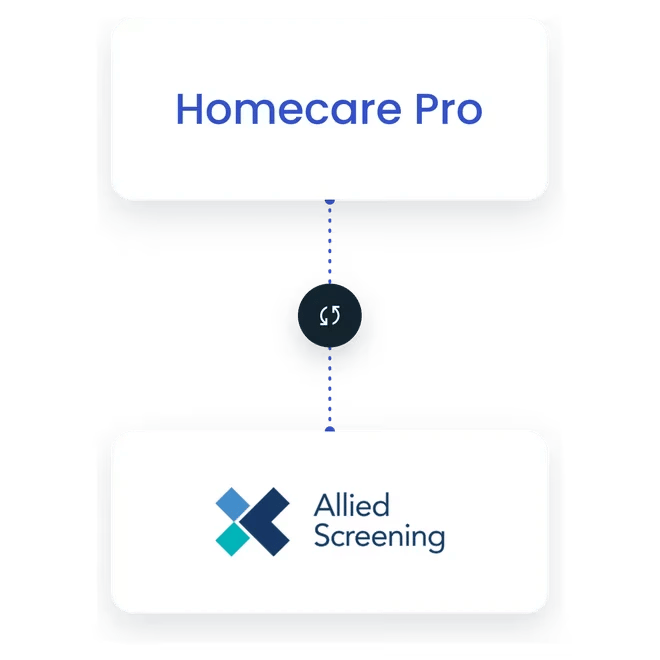
Homecare Pro orders background checks through Allied Screening in one click, tracks their status, and files the results to the caregiver’s record - all in the same onboarding flow as every other requirement.
How background checks work in Homecare Pro
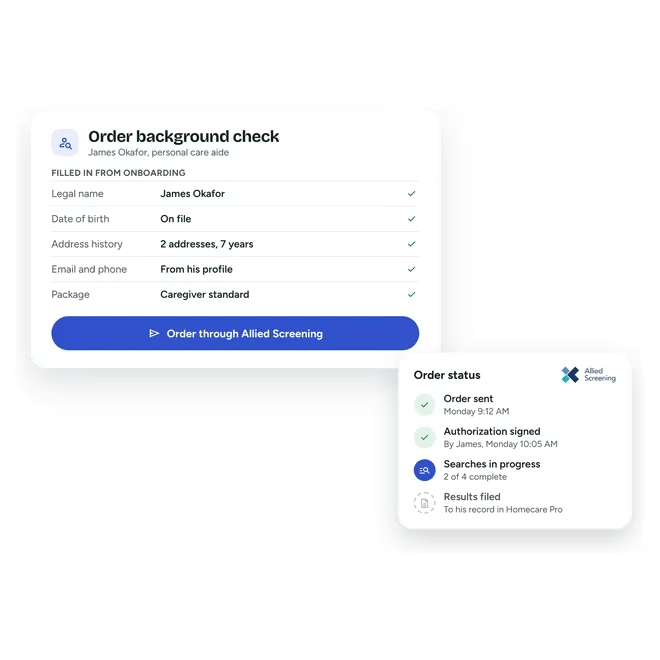
Order in one click
Your team orders a background check from the caregiver’s onboarding in Homecare Pro.
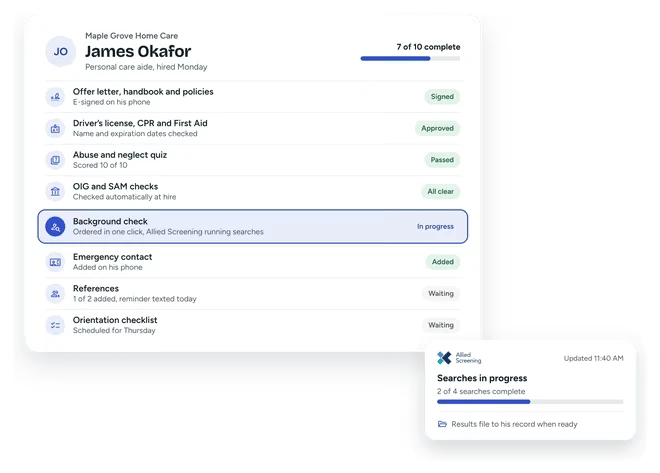
Allied Screening runs the check
Status updates sync to Homecare Pro as the check moves forward.
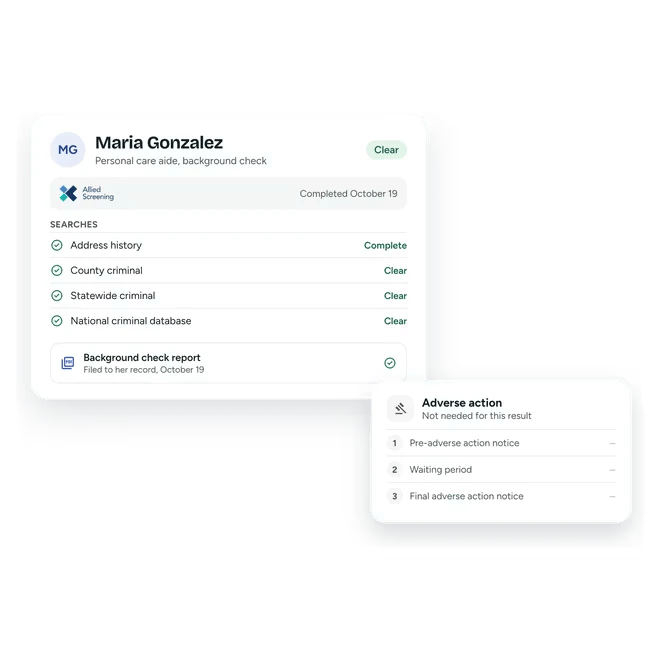
Results come back to the caregiver’s record
Clear results are filed automatically, and results that need review go to your team.
Adverse action in one place
If a result calls for adverse action, Homecare Pro handles the steps with your team, in the same record.
Background checks ordered in one click
Homecare Pro sends the order to Allied Screening with the caregiver’s details already filled in, and tracks it until the results come back. There’s no separate screening portal to log in to.
- No separate screening portal
- Caregiver details sent automatically
- Status tracked in real time
Results and adverse action in one place
Homecare Pro retrieves results and files them to the caregiver’s record, alerts your team when a result needs review, and handles adverse action steps alongside it.
- Results filed automatically
- Alerts for results that need review
- Adverse action handled in Homecare Pro
Background checks fulfilled by Allied Screening
Allied Screening is a consumer reporting agency for employment background checks. Your agency contracts with Allied Screening directly, and Homecare Pro handles ordering, status, results, and adverse action.

Background check questions
Allied Screening, a consumer reporting agency. Homecare Pro sends the order and brings the results back to the caregiver’s record.
Yes. Your agency sets up its account with Allied Screening, and Homecare Pro connects to it.
Yes. Talk to our team about your current vendor, and we’ll walk through how it works with Homecare Pro.
Yes. OIG, SAM, and other registry checks run separately and are covered on our registries page.
Still have questions?
More of what Homecare Pro automates
Federal & state registries
OIG, SAM, and state registry checks, filed to the caregiver’s record.
E-Verify
Cases submitted and tracked inside onboarding.
What we automate
Every requirement Homecare Pro automates, in one place.
See background checks in Homecare Pro
In 30 minutes we’ll walk through ordering a background check, tracking it, and how results are filed to the caregiver’s record.