E-Verify for home care agencies
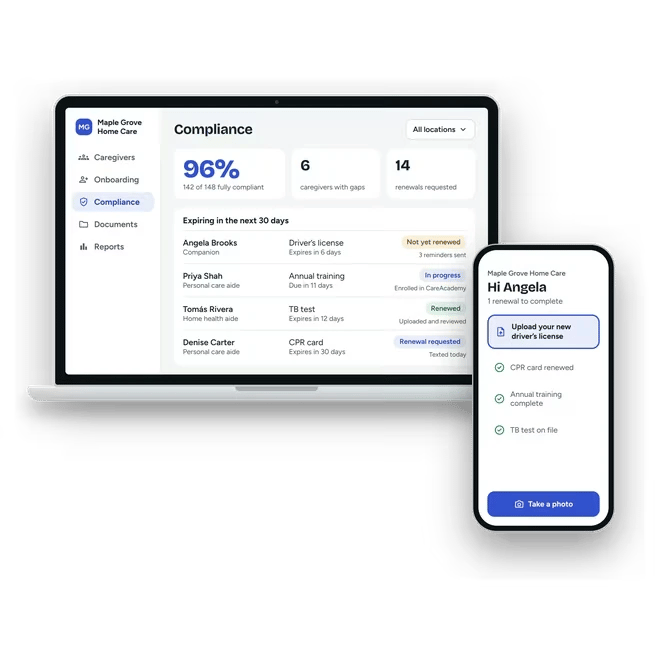
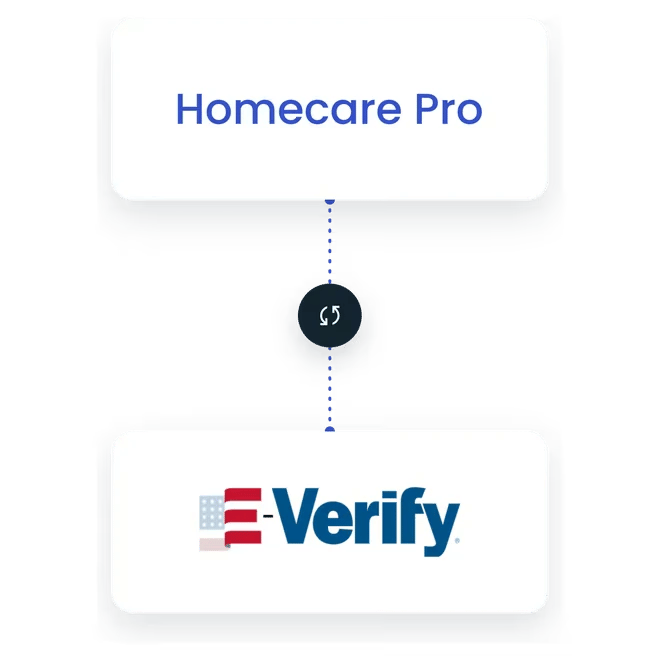
Homecare Pro submits E-Verify cases as part of caregiver onboarding, tracks each case to a result, and files it to the caregiver’s record, so work authorization is handled as part of every hire.

How E-Verify works in Homecare Pro
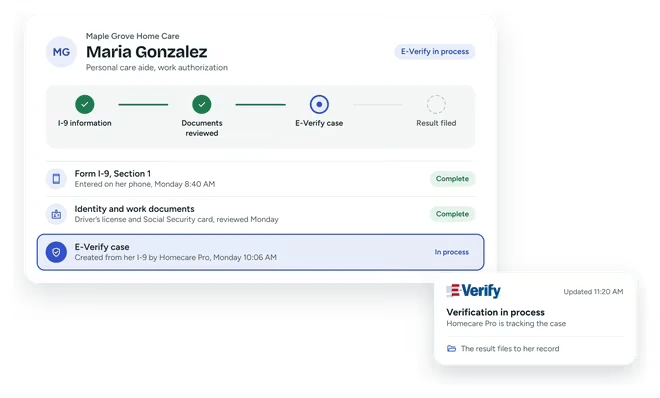
Caregivers complete their I-9 information
New hires enter it on their phones during onboarding.
Homecare Pro submits the case
The E-Verify case is created from the information caregivers already entered.
Every case tracked
Homecare Pro follows the case and alerts your team when it needs action.
Result filed
The case result is filed to the caregiver’s record.
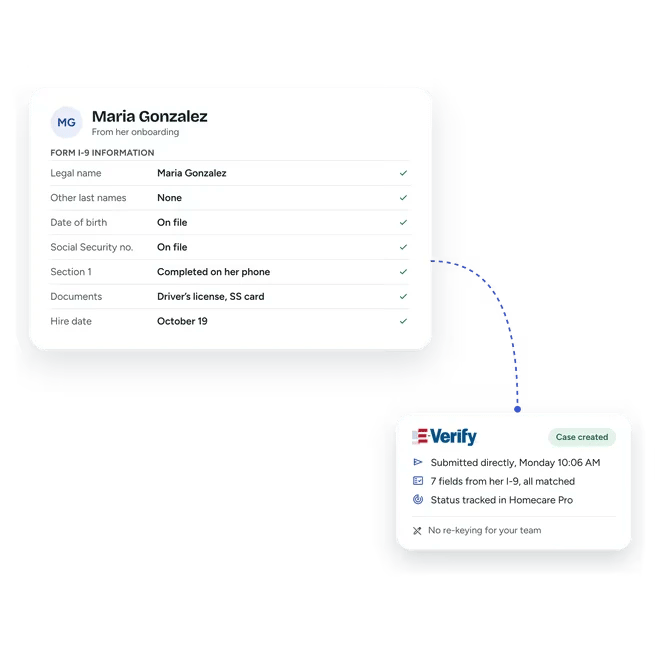
E-Verify cases submitted from onboarding
Homecare Pro connects to E-Verify directly, so cases are created from the information caregivers already entered, with no re-keying.
- Direct connection to E-Verify
- Cases created from onboarding information
- No re-keying
Every case tracked to a result
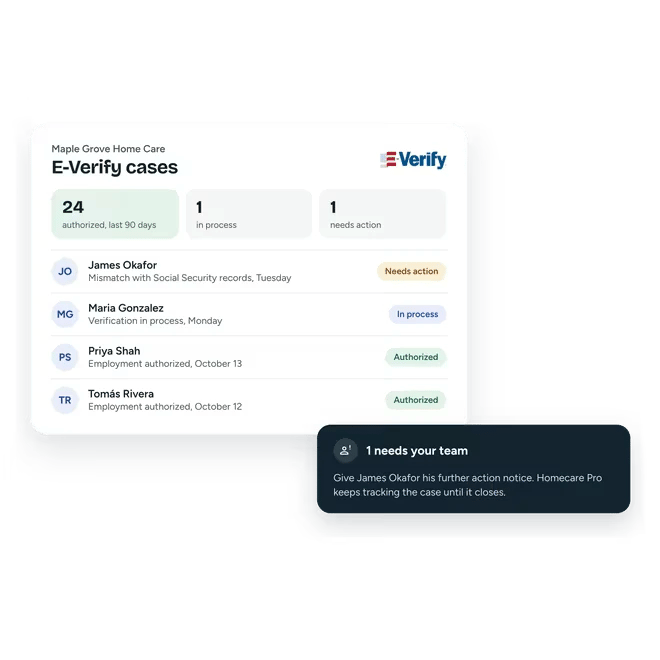
Homecare Pro tracks each case’s status and alerts your team when a case needs action, such as a mismatch the caregiver needs to resolve. Final results are filed to the caregiver’s record.
- Case status in one place
- Alerts when a case needs action
- Results filed automatically
I-9 and E-Verify in the same onboarding
Caregivers complete their I-9 information on their phones during onboarding, and Homecare Pro uses it to create the E-Verify case, so work authorization is handled in one flow.
E-Verify questions
No. The case is created from the I-9 information they enter during onboarding.
Yes. Homecare Pro shows each case’s status and flags the cases that need your team’s action.
Homecare Pro alerts your team, and the case stays open in the caregiver’s record until it’s resolved.
No. E-Verify confirms work authorization using the caregiver’s I-9 information, and Homecare Pro handles both as part of onboarding.
Still have questions?
More of what Homecare Pro automates
Federal & state registries
OIG, SAM, and state registry checks, filed to the caregiver’s record.
Background checks
Ordered in one click through Allied Screening.
What we automate
Every requirement Homecare Pro automates, in one place.
See E-Verify in Homecare Pro
In 30 minutes we’ll walk through how E-Verify cases are submitted from onboarding, tracked, and filed.